
By the Artixium technical team · Updated 16 October 2026
Before You Create LED Display Content: The Technical Basics
Good LED display content is prepared in RGB, at a resolution matched to the screen, with saturated colours and few fine details. These rules come from how the screen builds its image: pixel pitch, LED type and brightness. This page covers those basics first, then our practical guidelines.
What is an LED display?
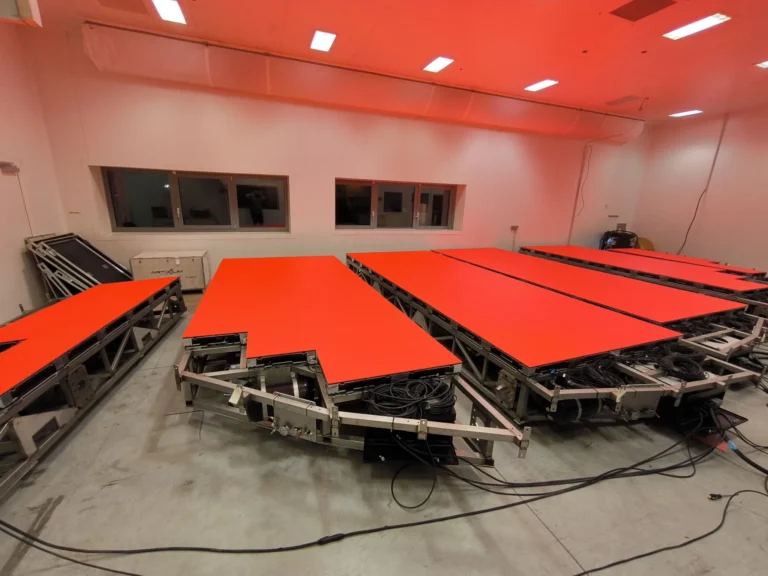
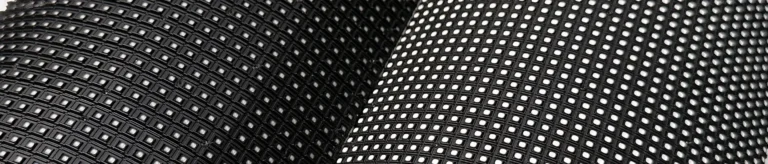
An LED display is usually an assembly of cabinets. Each cabinet holds a frame, a power supply, modules with LEDs soldered onto a printed circuit board (PCB), and a receiving card that passes the image to each group of LEDs. Content starts from a media player or media server, then goes through one or more sending cards, depending on the screen size and the number of LEDs to drive.
What are the different types of LED displays?
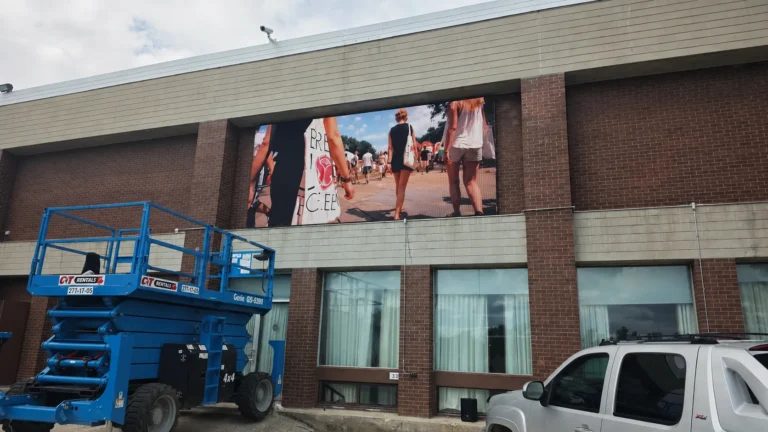
The first split is indoor versus outdoor. An outdoor screen is much brighter so it stays visible in daylight. An indoor screen often has a higher resolution thanks to a finer pixel pitch. The second split is fixed versus mobile screens, whose cabinets are built to be set up, taken down and moved easily. Other categories exist, but these two matter most when you prepare content.
What defines the resolution of an LED display?
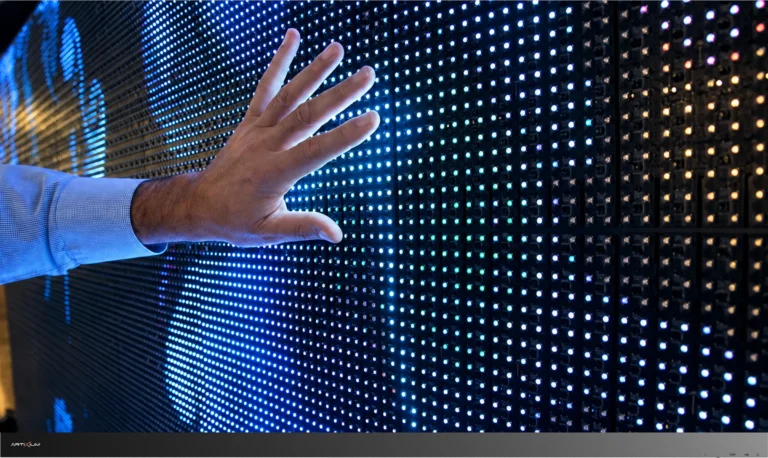
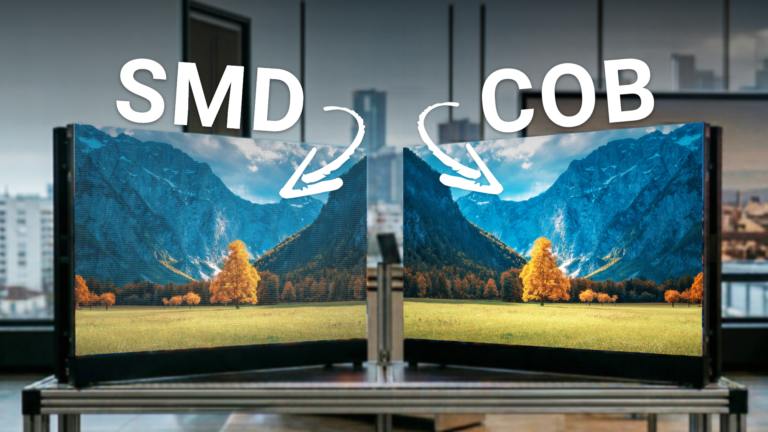
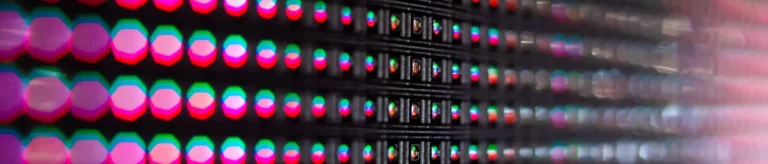
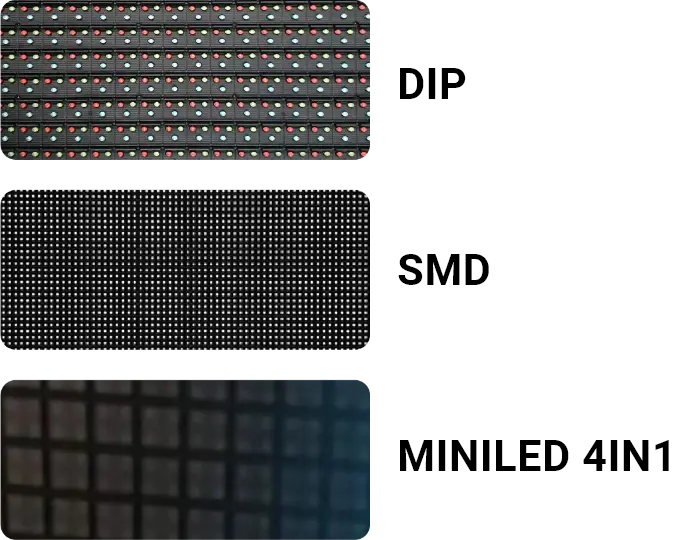
Pixel pitch comes first: it is the spacing between two pixels, and the finer it is, the higher the resolution. LED type matters too. Over the same area, DIP LEDs give a lower resolution than SMD LEDs, which are themselves coarser than 4-in-1 MiniLEDs. The video processor can also cap the displayed resolution.
What are the main types of LED?
There are three main families of LED.
DIP LEDs are very bright, but each one shows a single colour, so three (red, green, blue) are needed to form a pixel.
SMD LEDs combine three miniature LEDs in one package. Less bright than DIP, they offer a much better resolution.
4-in-1 MiniLEDs fit four miniature SMD LEDs into the space of one standard SMD. Resolution is excellent and brightness lower.
What defines an LED display’s brightness?
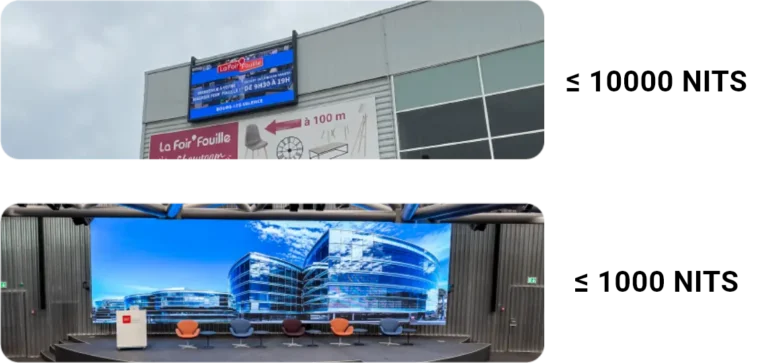
Possible brightness depends on the LED type. The brighter an LED, the hotter it runs and the more space it needs from its neighbours, so brightness and resolution are linked. Along with the protection rating, brightness is what most clearly separates an outdoor screen from an indoor one.
How does an LED screen display colour?
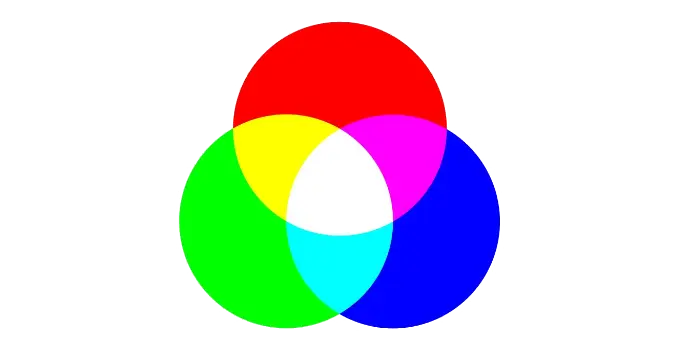
Like a computer monitor, an LED display builds its colours in RGB. Each pixel sets the intensity of its red, green and blue LEDs. Depending on the technology, these three colours sit in three separate LEDs or share one package.
How Should You Prepare LED Display Content?
What file type for an LED display?
First check that your files, still or animated, are in RGB. A CMYK file, made for print, will show different colours on screen. For still images, PNG is recommended. For video, use MPEG if possible, otherwise MOV.
What dimensions for your content?
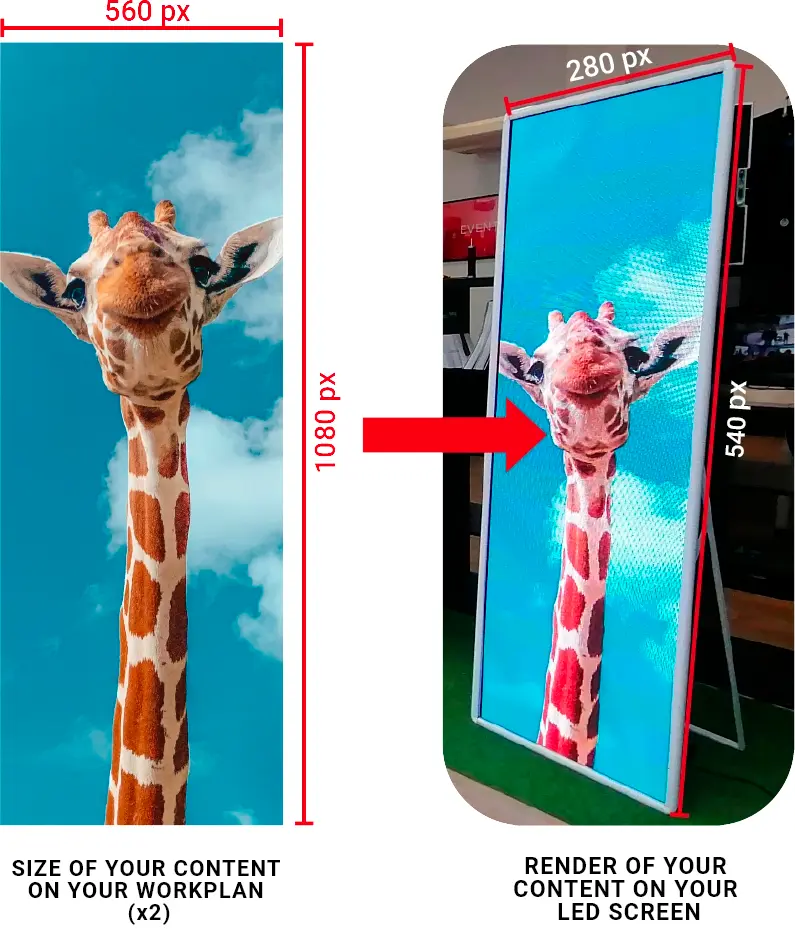
A common practice is to create the file at twice the resolution of the screen. The displayed image gets sharper.
What colours for your content?
Choose bright, saturated colours to make the most of the LED brightness. High contrast and deep blacks also help readability, especially from a distance.
Why Avoid Static White Areas?
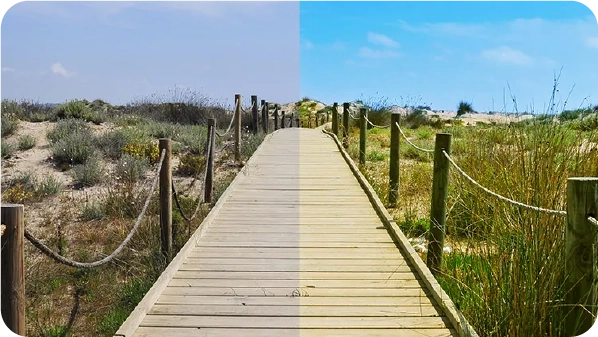
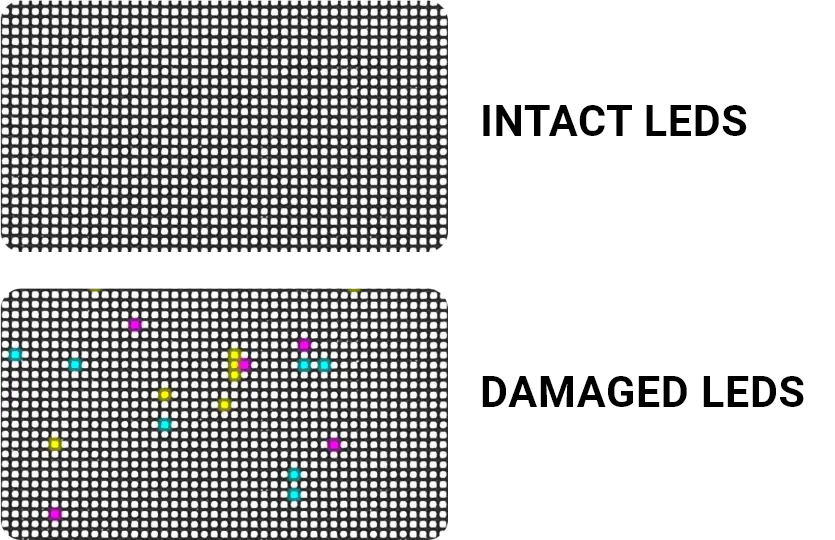
To show white, all three LEDs of a pixel run at full intensity. On a large static white area, any faulty LED shows straight away as a coloured dot. White left on screen for a long time also heats the LEDs and can, over time, damage the display.
What frame rate for your content?
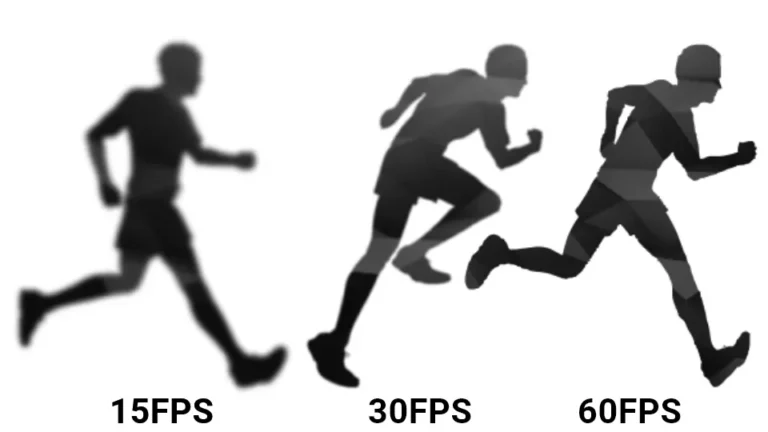
It depends on the sending and receiving cards, the video processor and the media player. Going below 30 frames per second is rarely advised. Before playing a higher frame rate, check what your video processor accepts, because beyond that the image can stutter. Our guide to the LED video processor covers this.
How Much Animation Should You Use?
Here the limit is about communication more than technology. An LED display handles animation very well, it is one of its strengths. But most passers-by only look at it for a few seconds. Keep the message short and make sure the animation supports it instead of pulling attention away.
Why Limit Small Details?
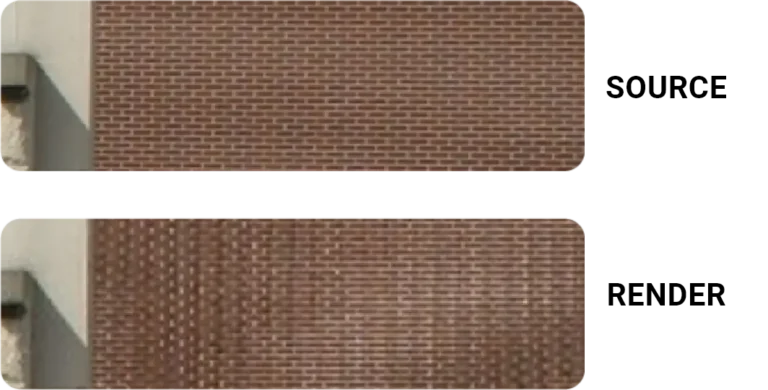
Without a high-definition screen and a suitable processor, too many small elements degrade the image. They often cause a moiré effect, or aliasing, with stray patterns on screen.
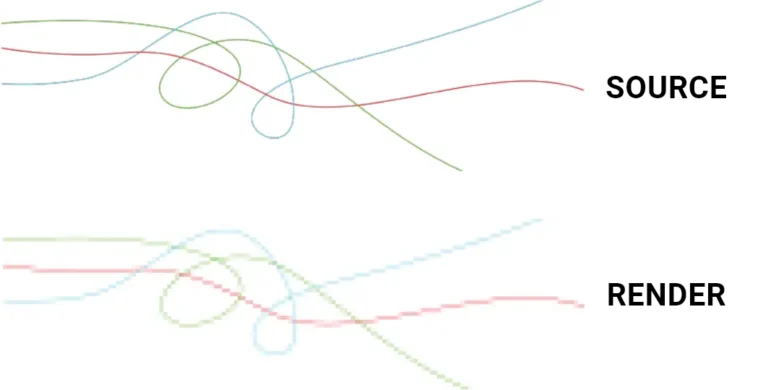
Should You Avoid Fine Lines?
Yes, especially on a screen with a large pixel pitch. The LED spacing pixelates thin lines, which spoils the visual and can cause aliasing.
How Do You Keep Text Readable?
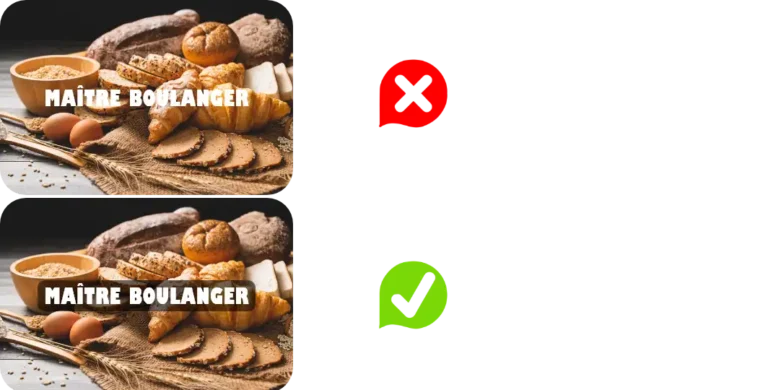
Avoid placing text directly on an animated image. Put it on a still background instead, such as a semi-transparent band. The reading area stays clear and your animated background remains visible around it.
Effective LED display content stays simple: one clear message, suited to what the screen can do. If you know its pixel pitch, brightness and video processor, you have what you need to prepare your visuals.
Planning a screen? Contact us, we reply within 24 hours.
Frequently asked questions
What resolution should a file for an LED display have?
Start from the actual screen resolution in pixels, which your supplier can give you. Many designers then work at twice that resolution for a sharper result.
Why do my colours look different on screen?
Most often the file is in CMYK instead of RGB, or the screen has not been adjusted for a long time. A calibration brings colours and uniformity back in line.
Should LED display content be adapted for outdoor use?
Yes. Outdoors, the screen is seen from further away and in daylight. Make text bigger, raise contrast and cut back on detail.
How does the screen create so many colours?
By mixing red, green and blue light, known as additive colour. By setting the intensity of each LED, one pixel produces millions of shades.
Who can give me the exact resolution of my screen?
The manufacturer or integrator, based on the number of modules and the pixel pitch. Ask for it before design starts: it sets the format of every file.