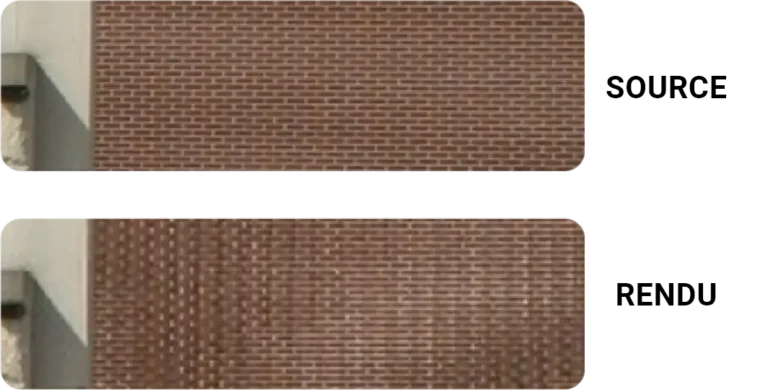
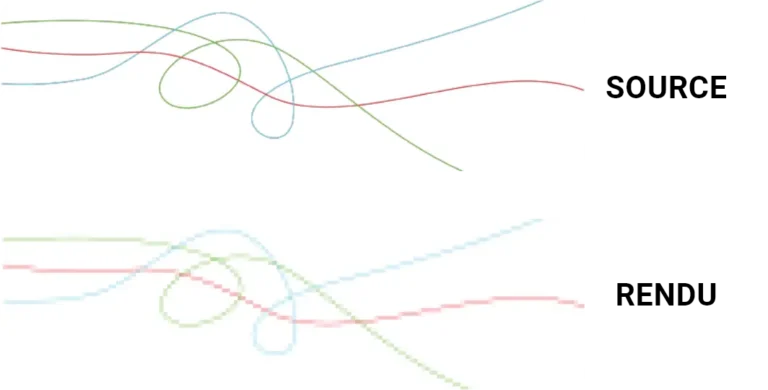
An LED screen does not work like an LCD, plasma or CRT screen, and the visual content you show on it, animated or not, has to take that into account. This guide explains what sets LED technology apart and the rules to follow to get the best from it.
What is an LED screen?
An LED screen is usually made of several cabinets assembled together. Each cabinet holds a frame, a power supply, modules (where the LEDs are soldered to a PCB) and a receiving card that passes information to each LED group. Content comes from a media player or server and goes through one or more sending cards, depending on screen size, number of LEDs and card type.
What are the different types of LED screens?
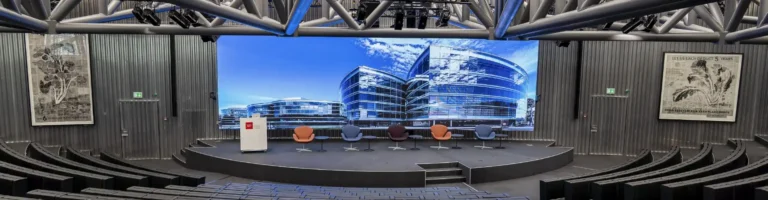
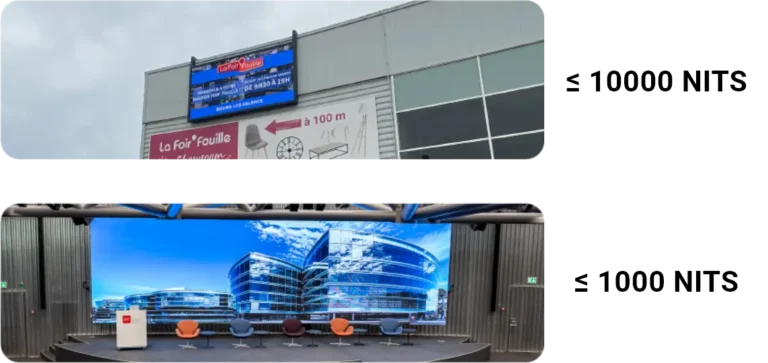
The first split is between outdoor and indoor LED screens. Outdoor screens are much brighter, as they must stay readable in daylight. Indoor screens offer better resolution thanks to a finer pixel pitch.
What defines an LED screen's resolution?
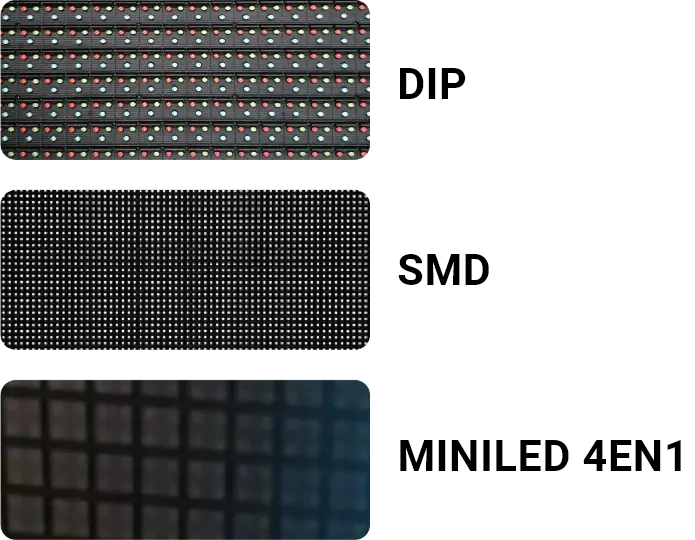
The first factor is pixel pitch, the spacing between two LEDs: the finer it is, the higher the resolution. LED type matters too: DIP LEDs give lower resolution than SMD LEDs, which are themselves coarser than 4-in-1 MiniLEDs.
What are the main types of LEDs?
There are three main types of LEDs:
DIP LEDs: very bright, each LED shows a single colour, so a group of three LEDs (RGB) is needed to produce colours.
SMD LEDs: three miniature LEDs (RGB) share one package. Less bright than DIP, with much better resolution.
4-in-1 MiniLEDs: four miniature SMD LEDs fit in the space of one standard SMD. Resolution is excellent, brightness lower.
To go further: COB technology and the history of LED.
Our rules for readable visual content
Watch out for static whites
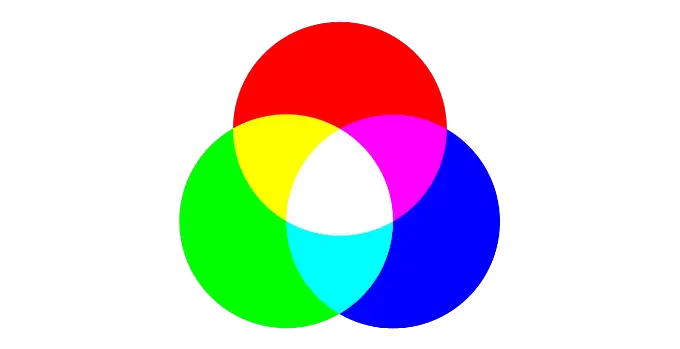
An LED screen works in RGB: to get white, all three LEDs in a group must run at full intensity. It is best to avoid large areas of static white.
Avoid excessive movement
Animation is one of the strengths of LED screens. But for the message to stay clear and memorable, keep it in proportion: animation serves the message, it should not bury it.
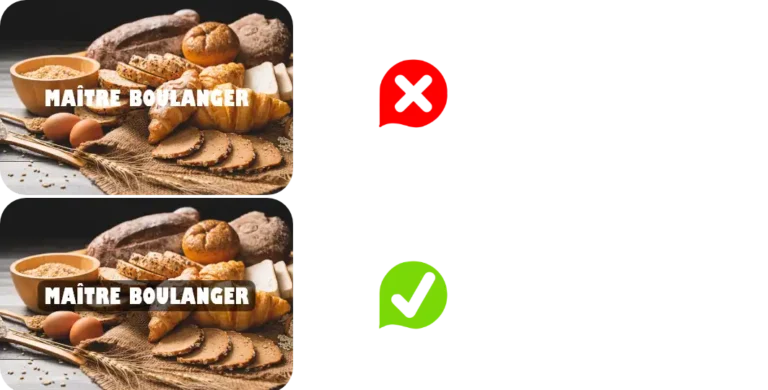
Don't overlay text on visuals
For readability, avoid placing text straight onto an image. Use a fixed background behind the text, a semi-transparent block if needed.
In short
Keep it simple: “keep it simple and stupid“. The message should stay at the centre of the visual content. Stay within the limits above, know your screen’s properties, and your campaigns will work. To go further, read our guide on LED display content.